Here are short instructions for how to accept a share from an email invitation.
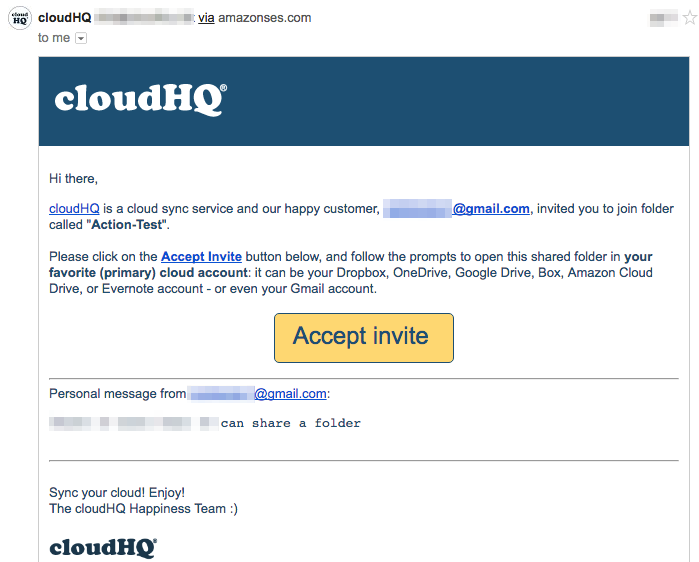
- Go to your email account to see the invitation:
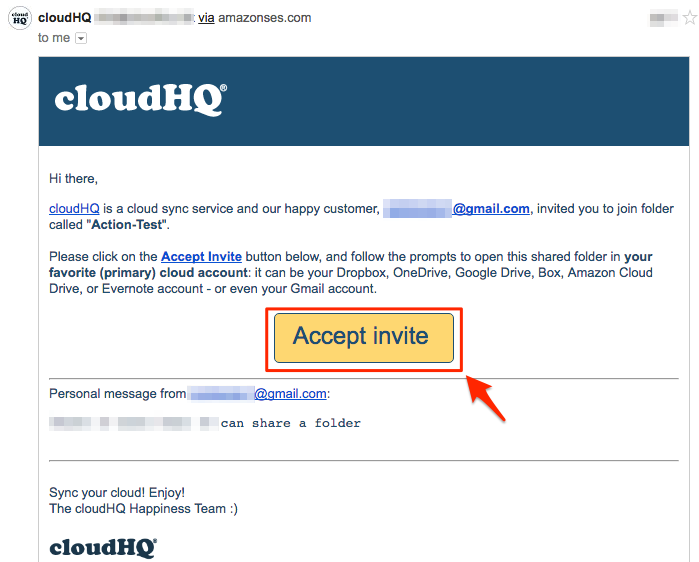
- Click “Accept Invite” from your email:
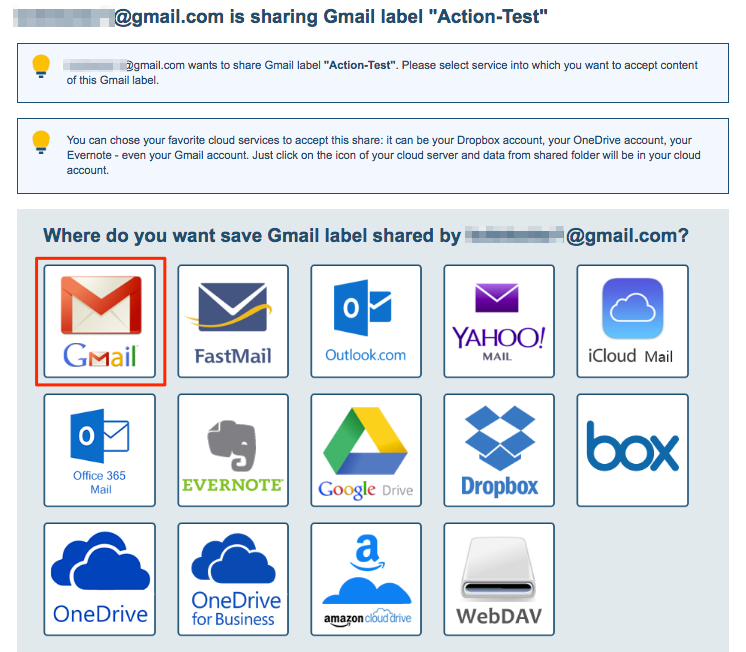
- After accepting the share, please choose the cloud service where you want to sync your shared data:
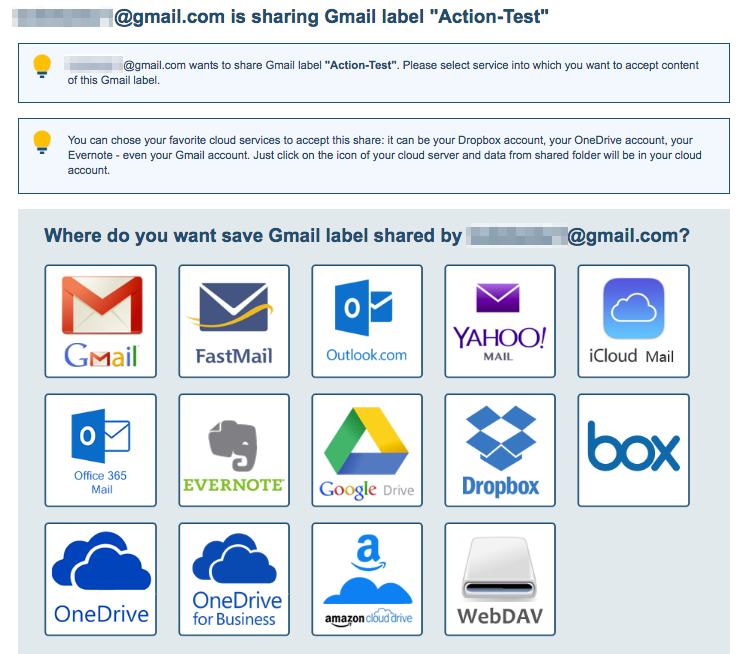
- Click the icon of the cloud service you want to use:
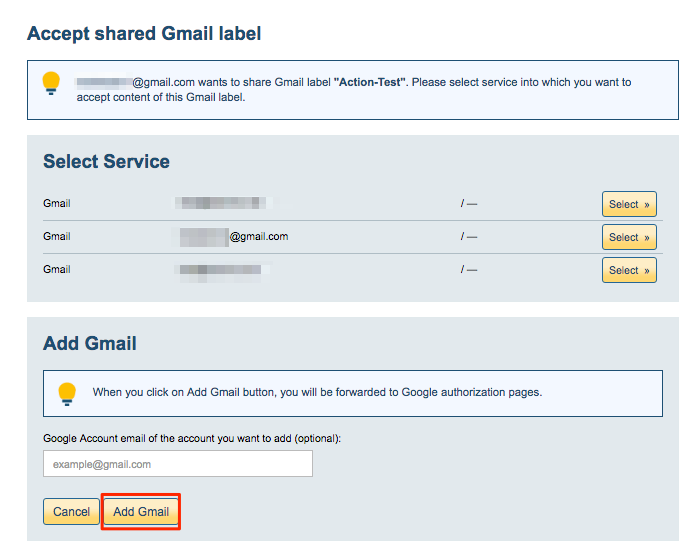
- Choose the account and authorize cloudHQ:
- Your shared data will automatically be synchronized:
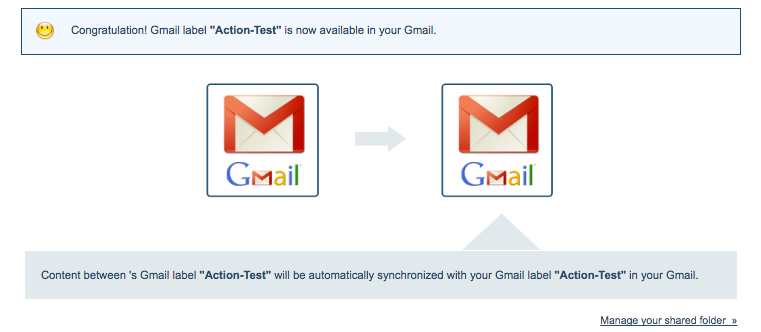
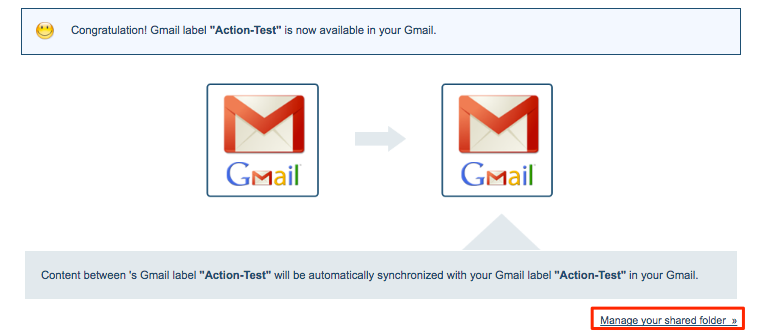
- The owner will receive an email when the share is successful. The owner can also manage the shared folder by clicking the link in the lower right corner: